Taken in the app
Evidence comes from the HeriShamba camera. Gallery uploads are not accepted as verified captures.
Home / Services / Verified Farm Evidence
Verified Farm Evidence
Photos taken in HeriShamba record when, where and on which registered device they were captured. HeritageIQ checks that the stored original is exactly what the phone captured, then places it on the farm record.
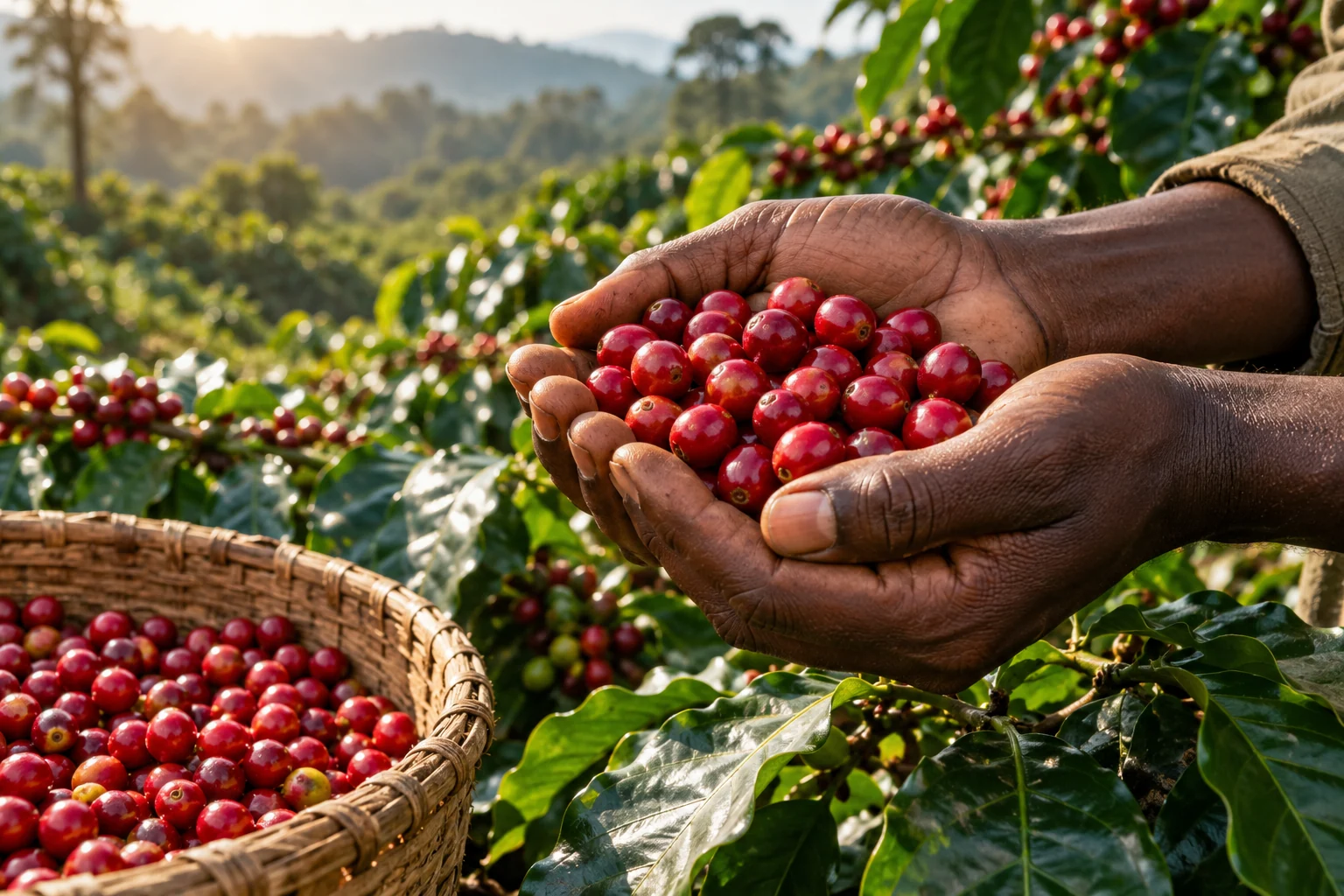
AI illustration · Example coffee scene
Farm evidence record
Harvest delivery photo
Evidence EV-SAMPLE-19b4 · Mlima Farm (fictional)
The problem
A picture forwarded on a messaging app has lost its time and place. It could have been taken on another farm, in another year, or edited on the way.
Buyers and auditors increasingly discount evidence that cannot be tied to a farm, a date and a person.
What "verified" means here
Each of these checks is made by the system, every time.
Evidence comes from the HeriShamba camera. Gallery uploads are not accepted as verified captures.
The capture is linked to the signed-in farm user and a registered, active device for that farm.
Capture time and, where available, GPS position and accuracy are recorded on the phone.
The phone fingerprints the photo. HeritageIQ recomputes it on the stored original and rejects any mismatch.
If the farm has an accepted boundary for that date, HeritageIQ records whether the photo was taken inside or outside it.
Once accepted, the evidence record and original cannot be changed or replaced.
Workflow
Of a delivery, a field operation, or the farm itself, optionally linked to a harvest.
The original, its fingerprint, time and location are saved offline.
On sync, HeritageIQ checks the file, the fingerprint, the user and the device before accepting it.
The accepted evidence appears on the farm record and can support a lot's Passport.
Who it serves
Practical value
Good to know
Coffee pilot
We will walk you through a demo farm, a sample lot and its Passport, then scope a pilot around one of your own farms or lots.
Keep exploring
Follow a coffee lot back through processing, custody and harvest to the farms and boundaries it came from.
Explore Coffee ProvenancePublish a fixed, integrity-checked Coffee Lot Origin Record that buyers open from a shareable link.
Explore Digital Product PassportPrepare farm geolocation and traceability records for the due-diligence work your EU customers must carry out.
Explore EUDR Compliance Support